Advanced Settings
Reset Settings
You can reset AITuberKit settings and return to the initial state.
Note
When you perform a reset operation, all settings except conversation history will be restored to their default values, and the page will be reloaded. If environment variables are set, those values will take precedence.
Background Video Settings
Only when multimodal functionality is enabled, you can use shared screen or webcam video as a background.
Environment Variables:
# Background video usage setting (true/false)
NEXT_PUBLIC_USE_VIDEO_AS_BACKGROUND=false
Character Preset Menu Display Settings
You can toggle the display of the preset menu button shown on the home screen. You can turn off this option to keep the screen simple as needed.
Environment Variables:
# Character preset menu display setting (true/false)
NEXT_PUBLIC_SHOW_CHARACTER_PRESET_MENU=true
Timestamp Settings
You can set whether to include a timestamp (UTC) in user utterances. Including a timestamp allows the AI to generate responses considering the time.
TIP
To utilize this feature, include text like the following in your system prompt:
"When user input is requested with a [timestamp], this represents the time in UTC timezone at the time of the request, so please generate a response considering that time."
Environment Variables:
# Timestamp inclusion setting (true/false)
NEXT_PUBLIC_INCLUDE_TIMESTAMP_IN_USER_MESSAGE=false
Preset Questions
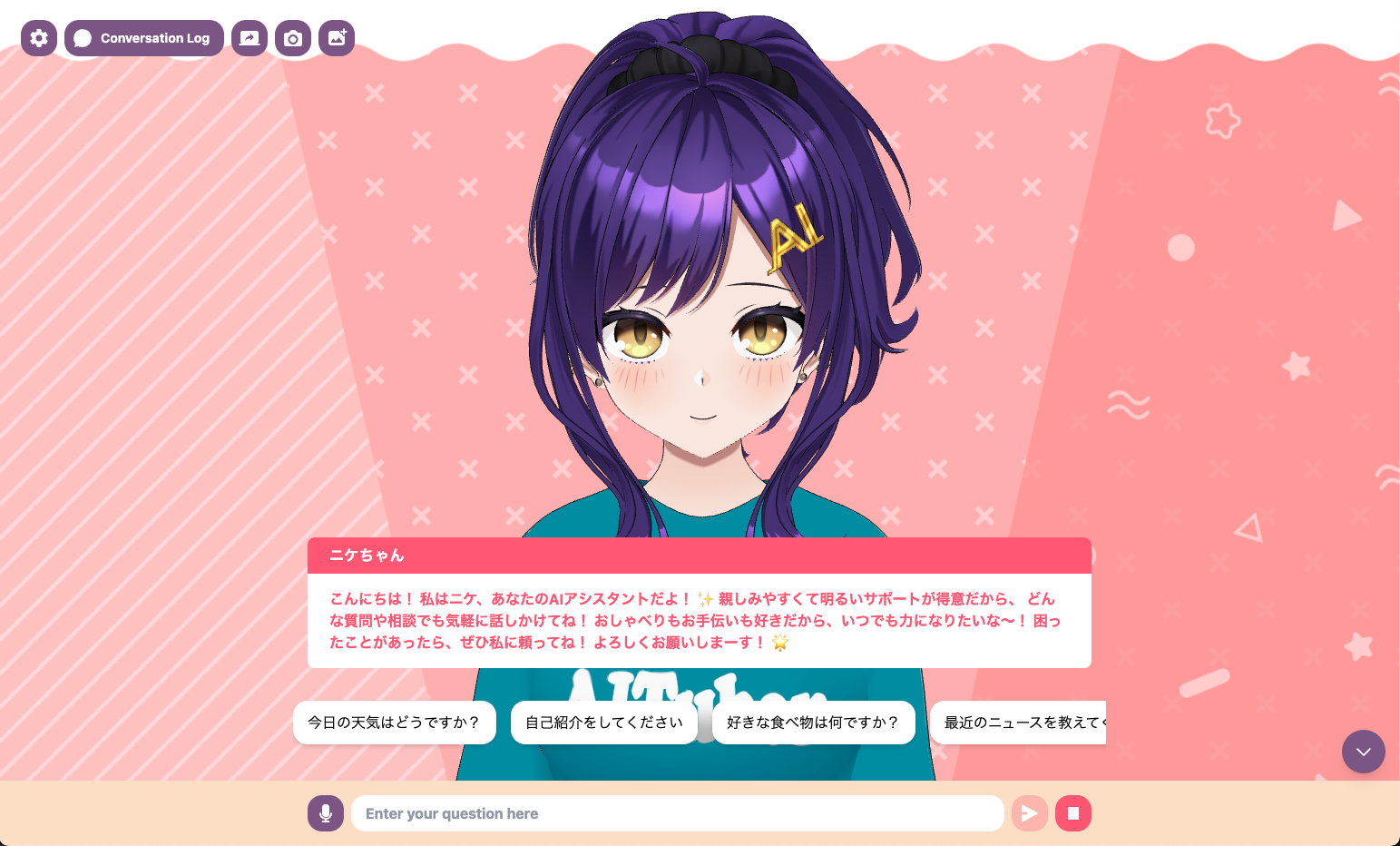
This feature allows you to display predefined questions in the UI that can be sent with a single click. It's convenient to register frequently used questions or standard phrases.
Basic Operations
- Add a question: Enter a question in the text input field and click the "+" button
- Edit a question: Directly edit the text of a registered question
- Delete a question: Click the "-" button
- Reorder questions: Drag the handle (⋮⋮) on the left side of the question to change the order
Toggle Display
You can toggle the display of questions. If you don't use this feature, you can turn off this option to keep the UI simple.
Environment Variables:
# Preset questions display setting (true/false)
NEXT_PUBLIC_SHOW_PRESET_QUESTIONS=true
# Preset question text (comma-separated)
NEXT_PUBLIC_PRESET_QUESTIONS=How is the weather today?,Please introduce yourself,What is your favorite food?,Tell me about recent news